Shape the look with an artistic style


Choose an artistic style to shape the look and feel of your image. Each style offers a distinctive aesthetic, influencing line work, color, and overall mood. Explore the available style presets to find the one that best aligns with your design intent.

 

Style
Description
Example
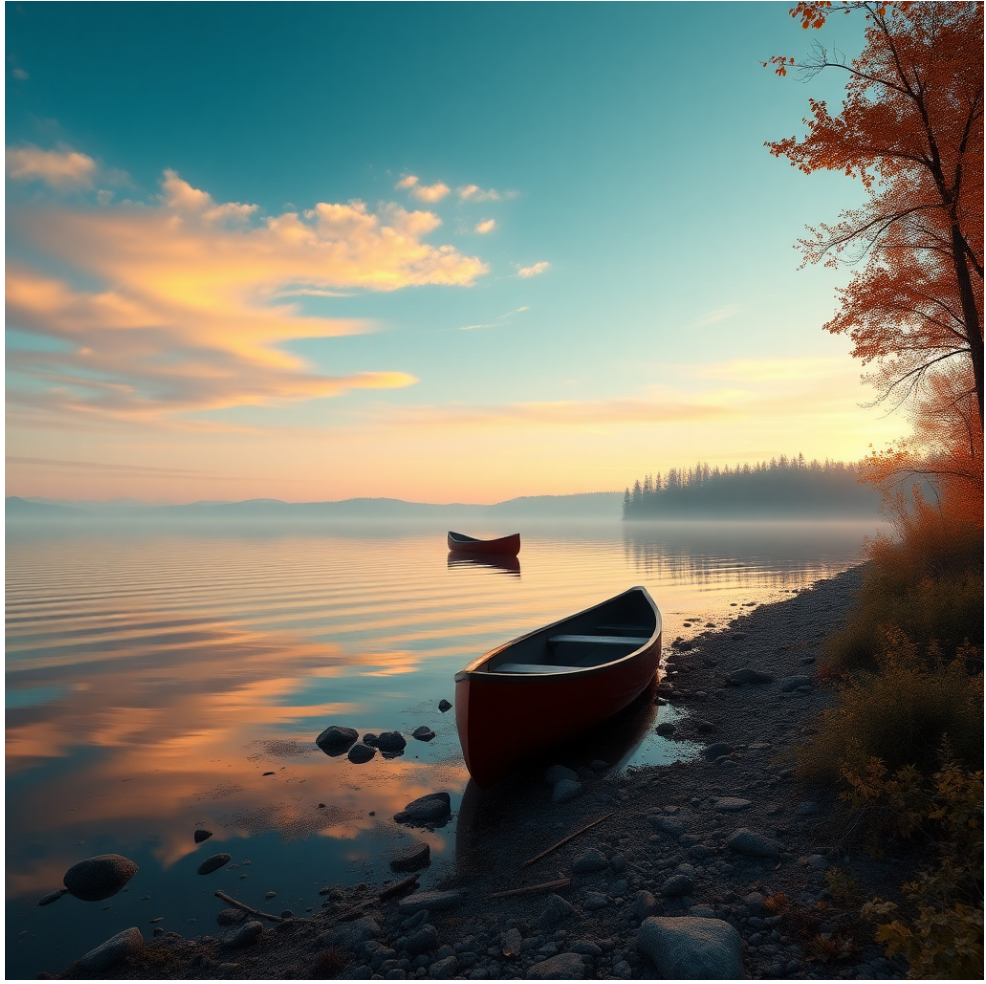
Photorealistic
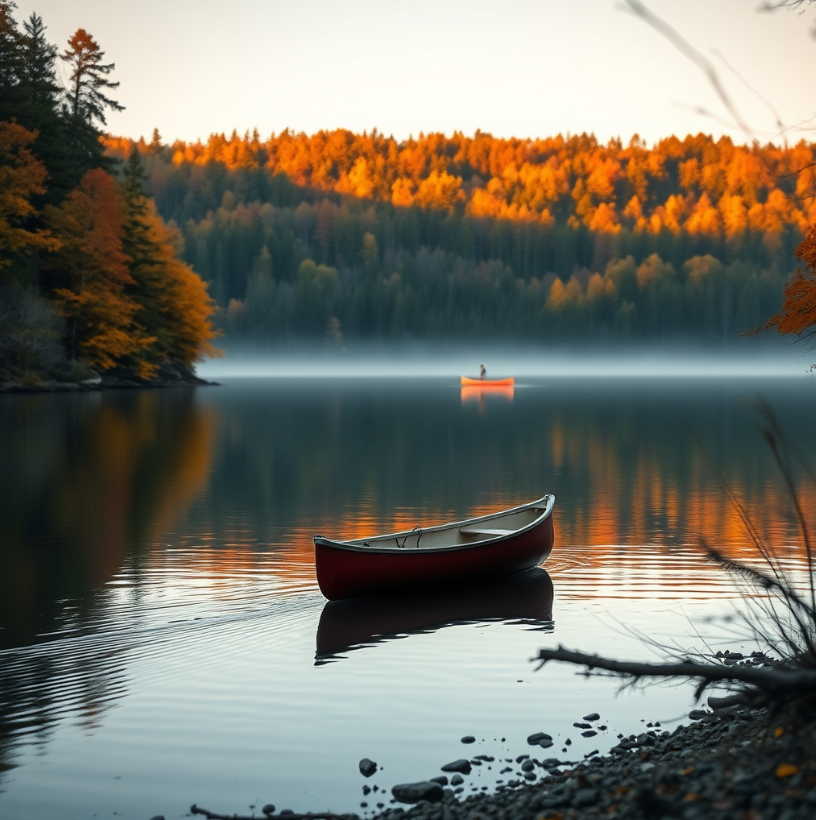
Produces images with lifelike detail, realistic textures, and natural lighting
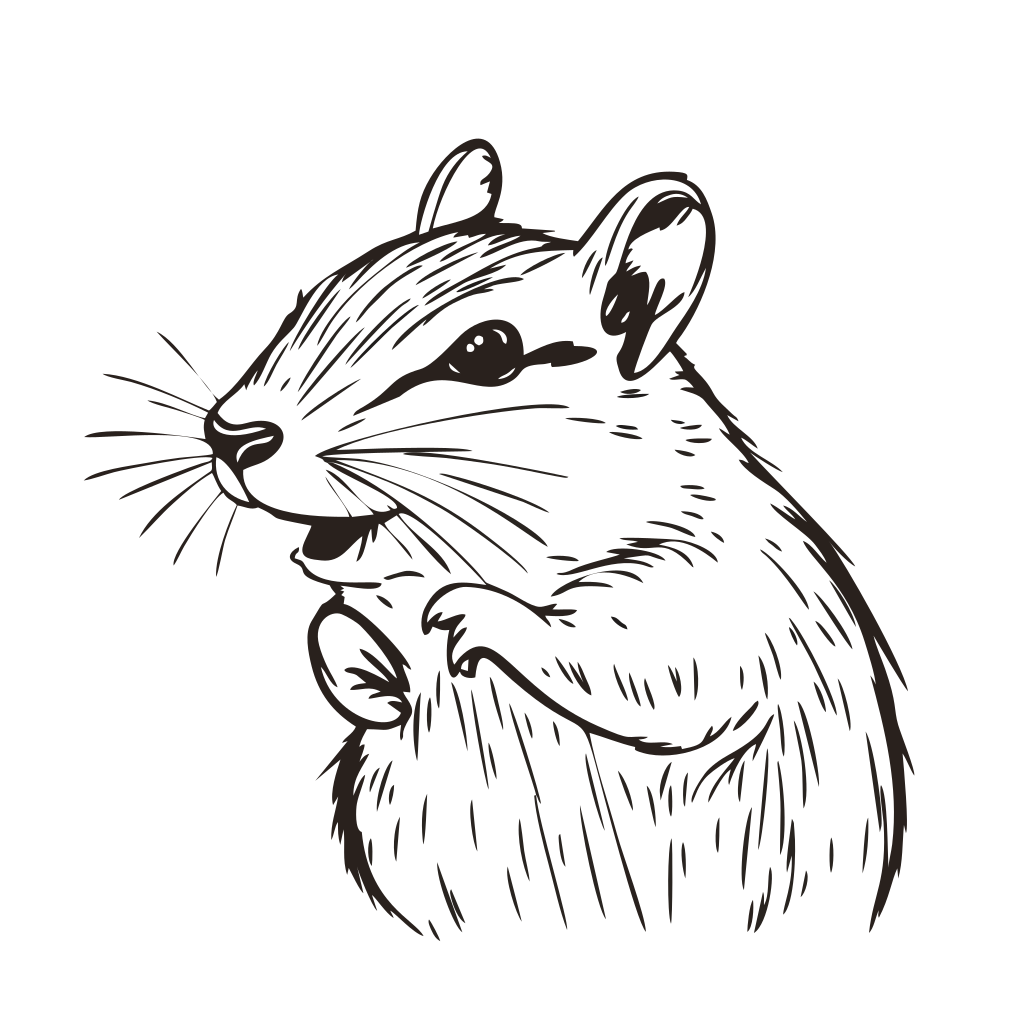
Line art
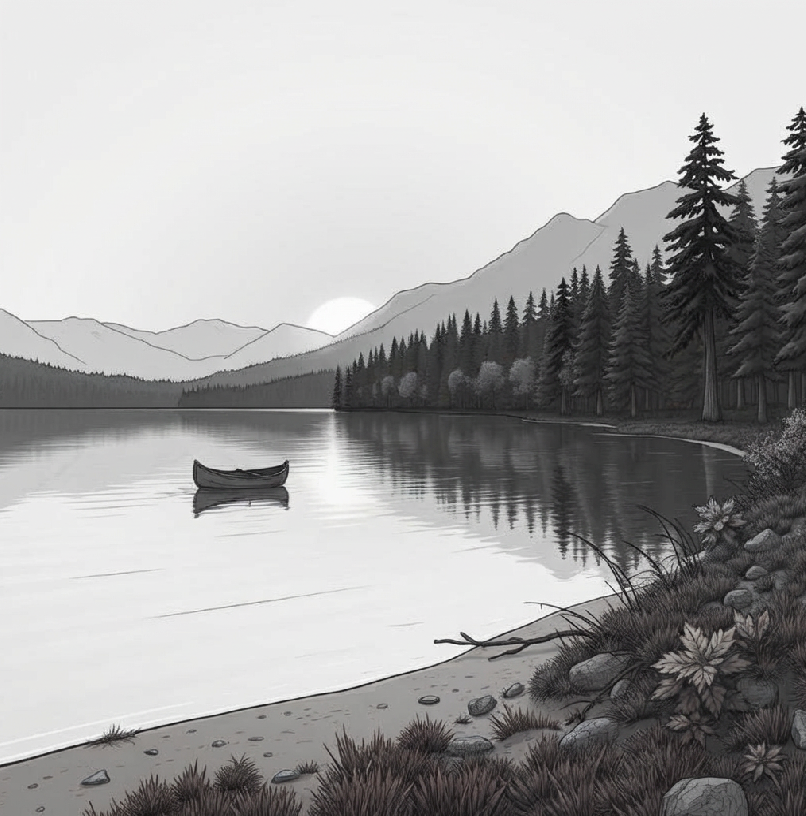
Creates images with a focus on contours and outlines rather than shading or color. Details are simplified with minimal texture or gradients. Objects, characters, or scenes are defined by precise lines, with strong contrast between lines and background. Line thickness may be uniform for a clean look or varied for dynamic emphasis.
Watercolor
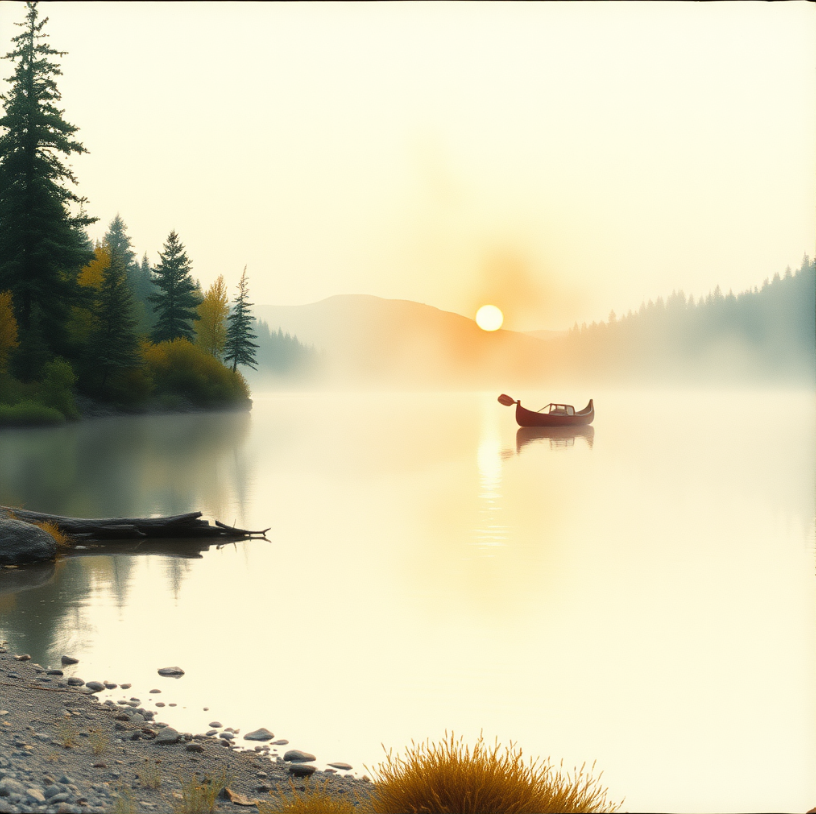
Mimics traditional watercolor with soft transitions between colors, gently blended edges, and lightly defined forms. Pastel tones and layered washes create a delicate, airy, and dreamy feel.
Illustration
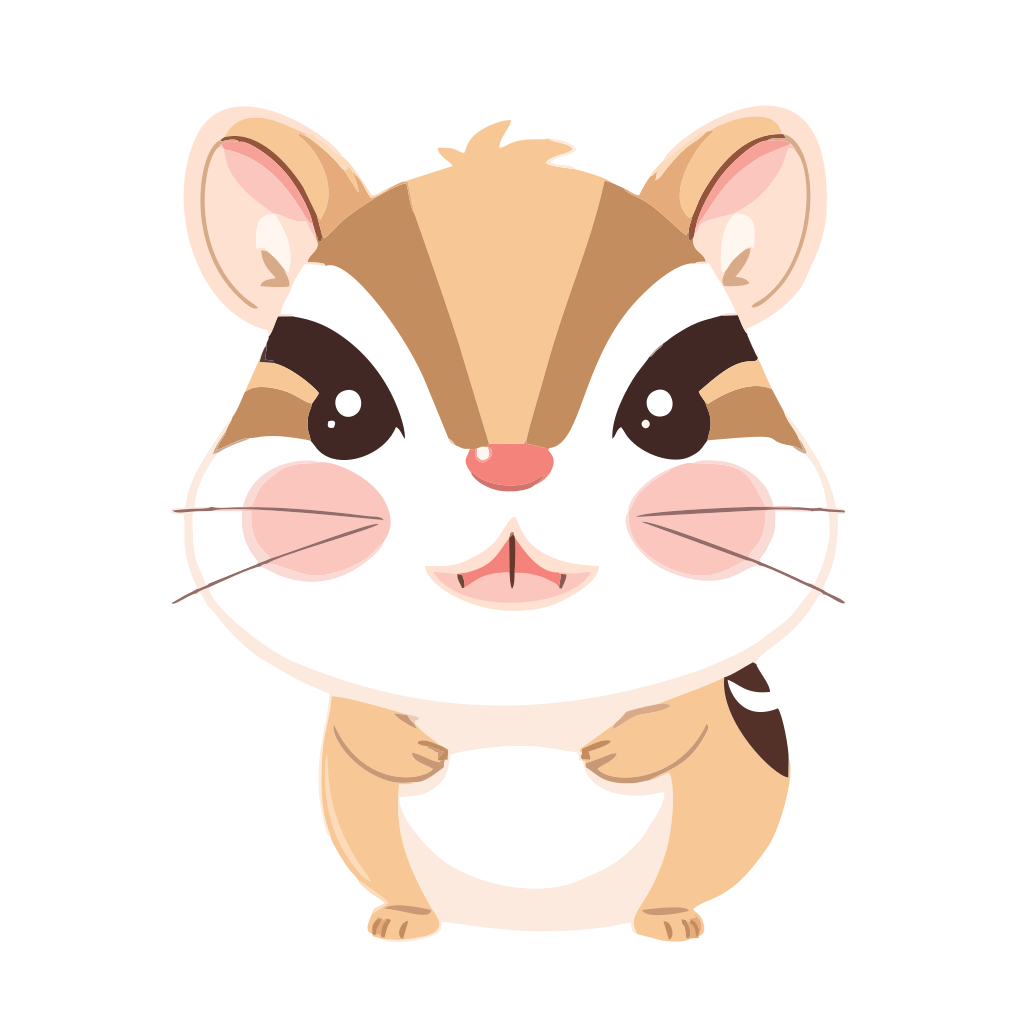
Creates stylized images with clear outlines and simplified details. Shapes, proportions, and colors may be exaggerated or toned down for visual impact. Colors typically appear as flat fills or layered shading rather than realistic gradients. This style can mimic traditional media like ink, pencil, or paint, or present a clean digital look.
3D render
Produces images with depth, perspective, and realistic lighting as in 3D graphics
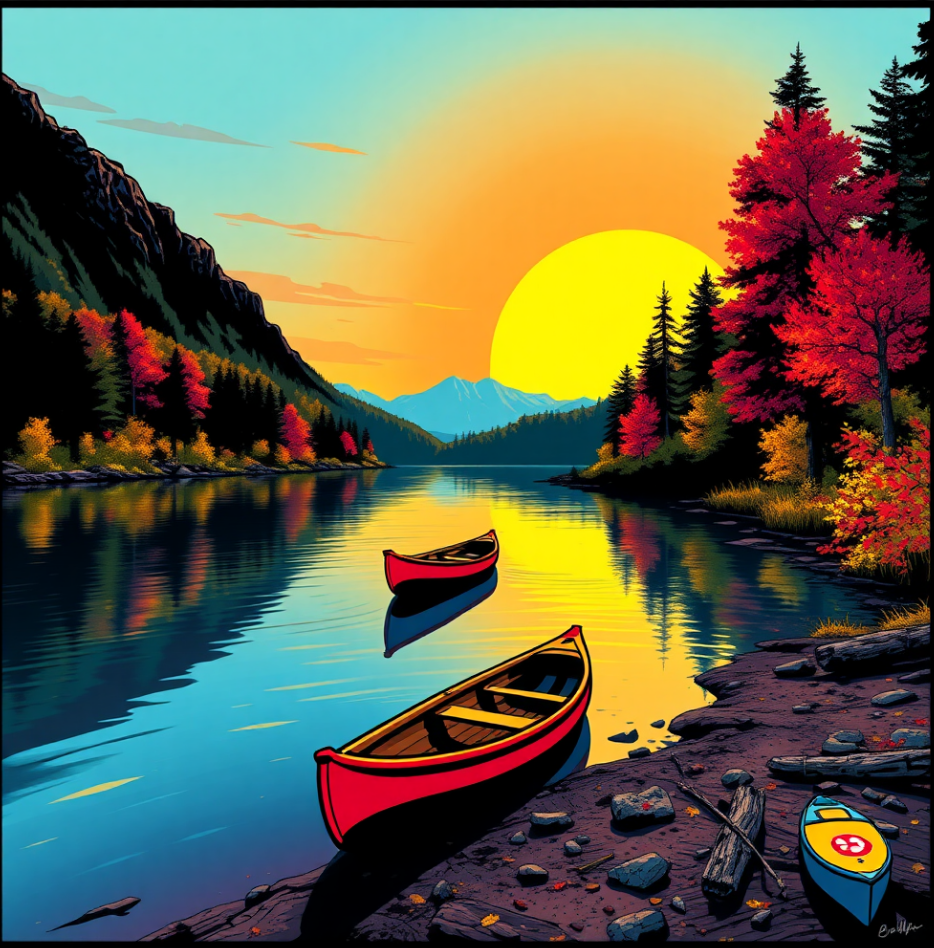
Pop art
Produces vivid, high-contrast images with bold contours and vibrant colors like bright reds, yellows, blues, and greens. This style often mimics comic-book aesthetics, poster art, and mid-century pop culture, using flat or limited-tone colors to create a striking, modern look.

To choose a style

Back to Top
In the Style area, click a preset thumbnail.

*

To clear any selected styles, click Clear style selection .

Was this page helpful? Send feedback.


Some features documented in the Help are available exclusively to subscribers. For more information about CorelDRAW subscription, visit coreldraw.com.