View available AI credits
When you add a new product or license to your account, it becomes immediately available for use. If the product or license includes AI credits, you can view the total number of available credits in your account (CorelDRAW menu  My Account). Your credit balance is shared across all active Corel products and licenses. For example, if you have both a trial version and a subscription license, or a trial product and a one-time-purchase product, all credits are combined in a shared pool, giving you the flexibility to use them in any product or offering.
To view your available credits

 .
. 
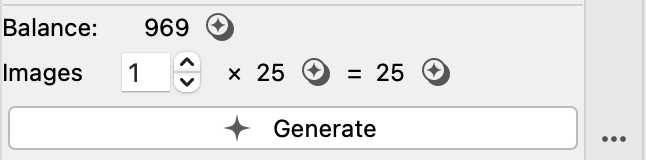
Your remaining credits also appear next to the Images list box on the Create Image or Remix Image tab.
You can also view your available credits in your account. Click CorelDRAW menu My Account. Click AI Credits. The total number of available credits is displayed in the top-left corner of the Overview page.