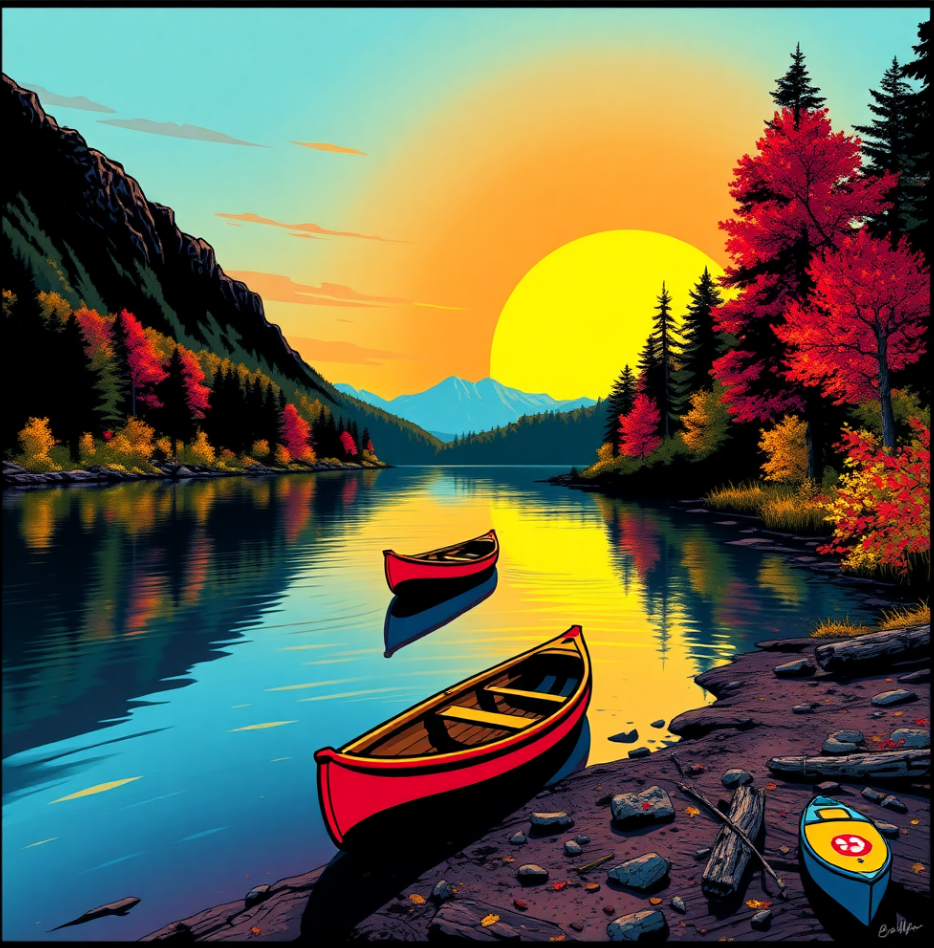
Shape the look with an artistic style


Choose an artistic style to shape the look and feel of your graphic. Each style offers a distinctive aesthetic, influencing line work, color, and overall mood. Explore the available style presets to find the one that best aligns with your design intent.

 

Style
Description
Example
Vector styles
Flat illustration
Uses clean, modern shapes, solid colors, minimal detail, and little or no shading
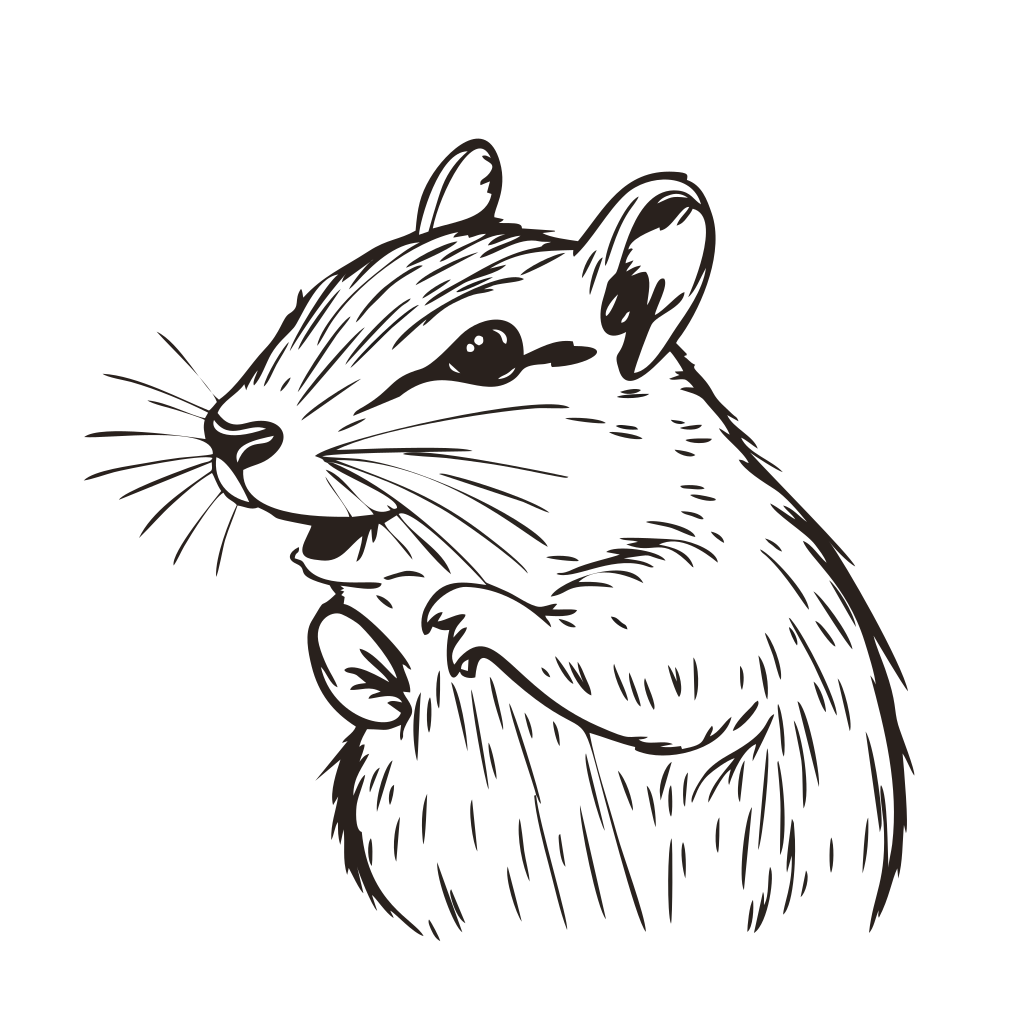
Line art
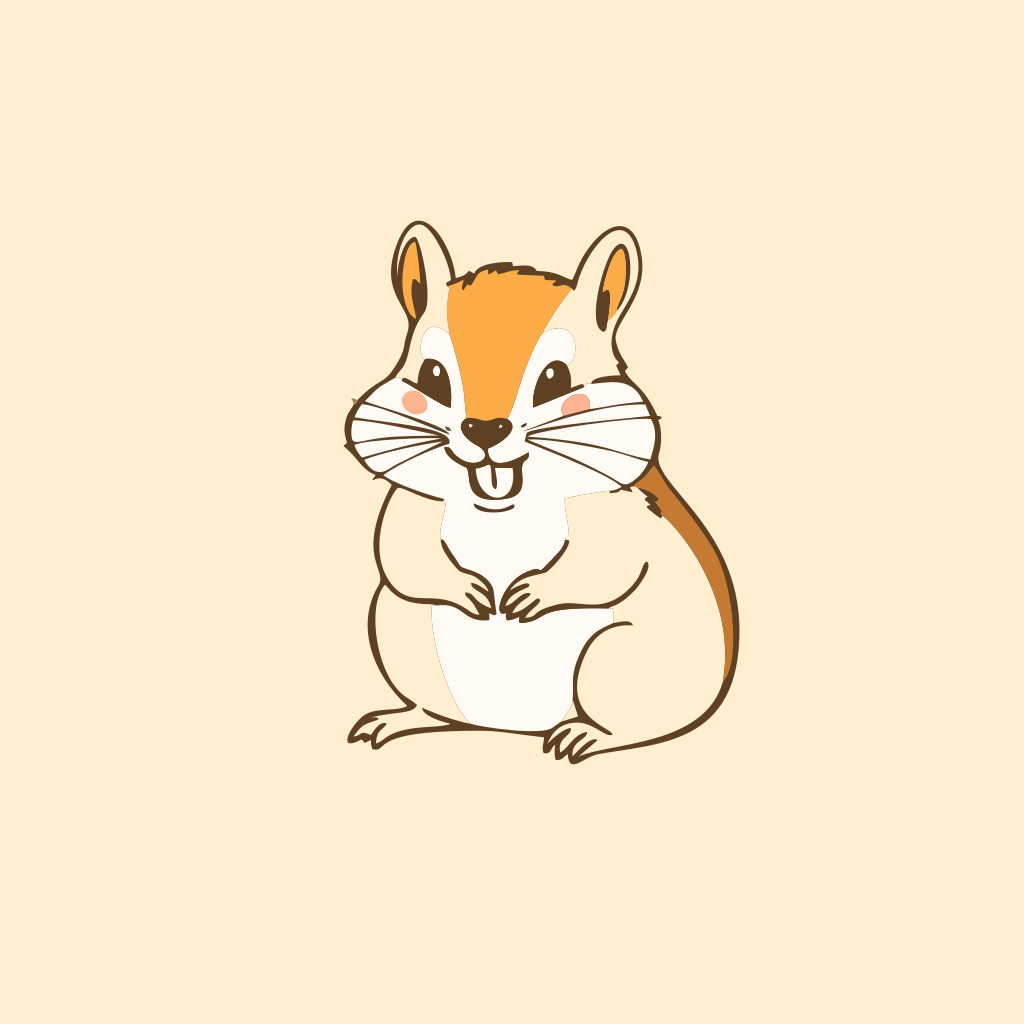
Focuses on crisp, consistent lines, minimal fills, and strong use of negative space
Comic book
Captures the bold outlines, vibrant colors, and dynamic look of graphic novels
Icon
Creates simple, scalable graphics with clean shapes and solid colors, ideal for symbols, clipart, and interface elements
Hand drawn
Mimics a handcrafted look with sketch-like lines and natural shapes
Kawaii pastel
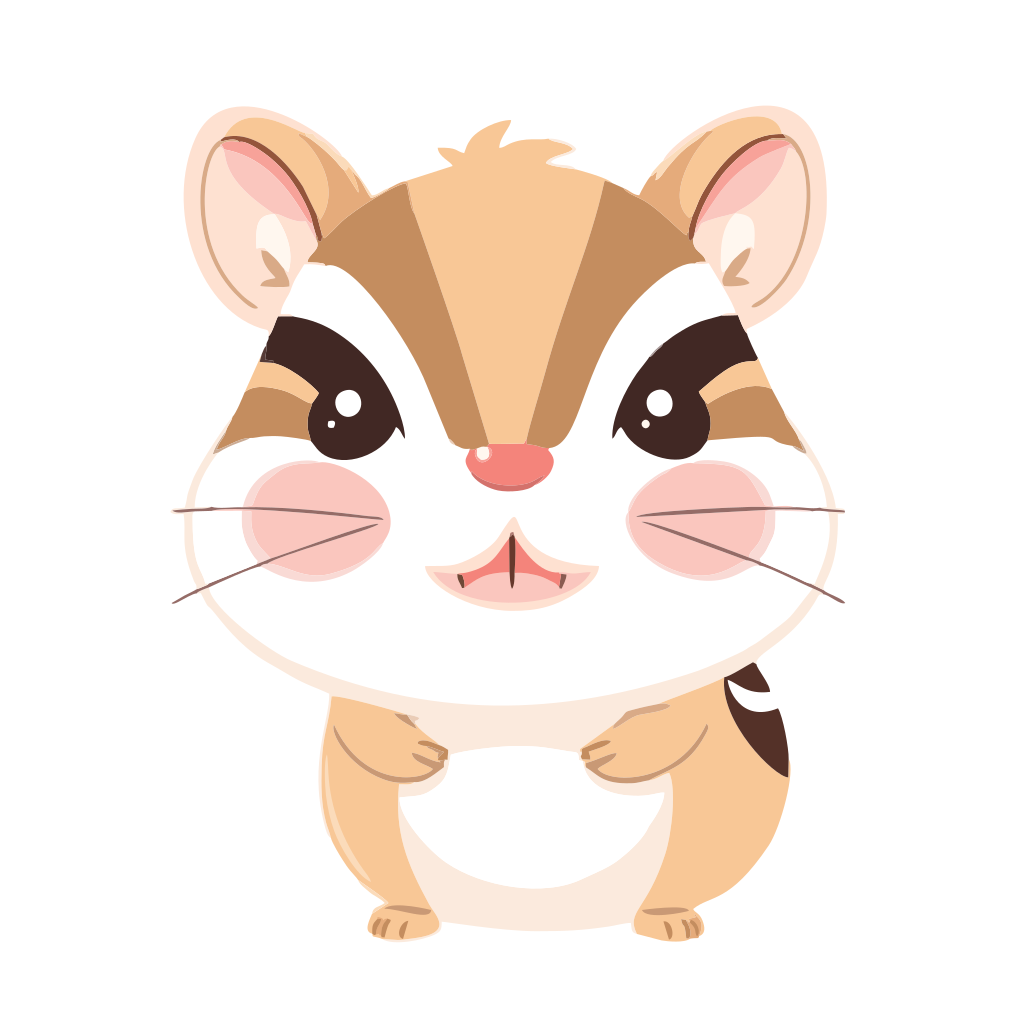
Combines rounded shapes, soft pastel colors, and simple facial features for a cute, playful look
Bitmap styles
Photorealistic
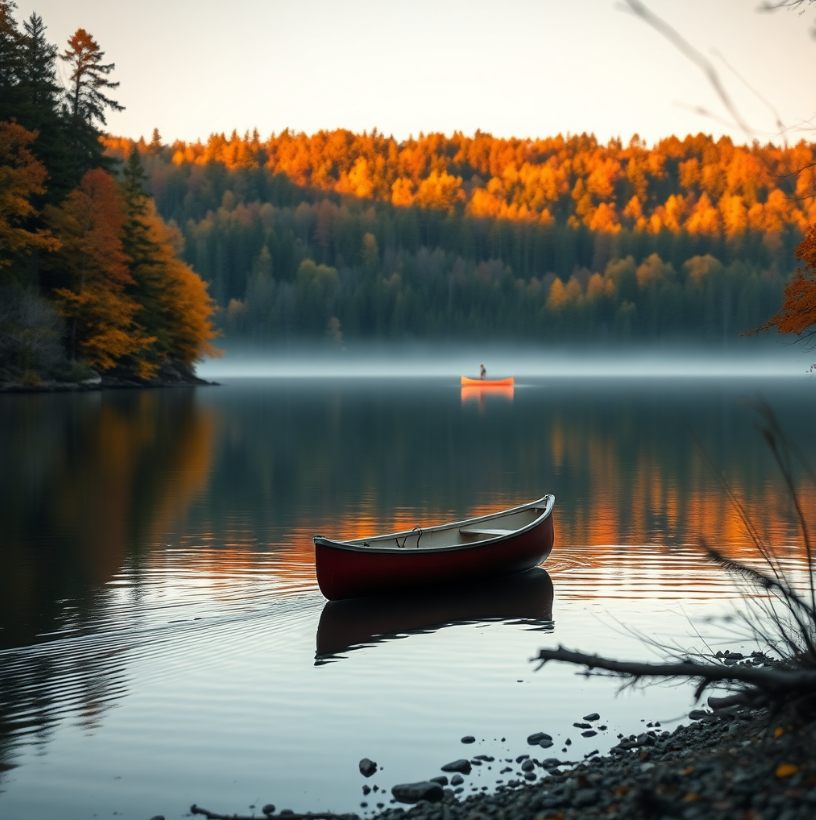
Produces images with lifelike detail, realistic textures, and natural lighting
Line art
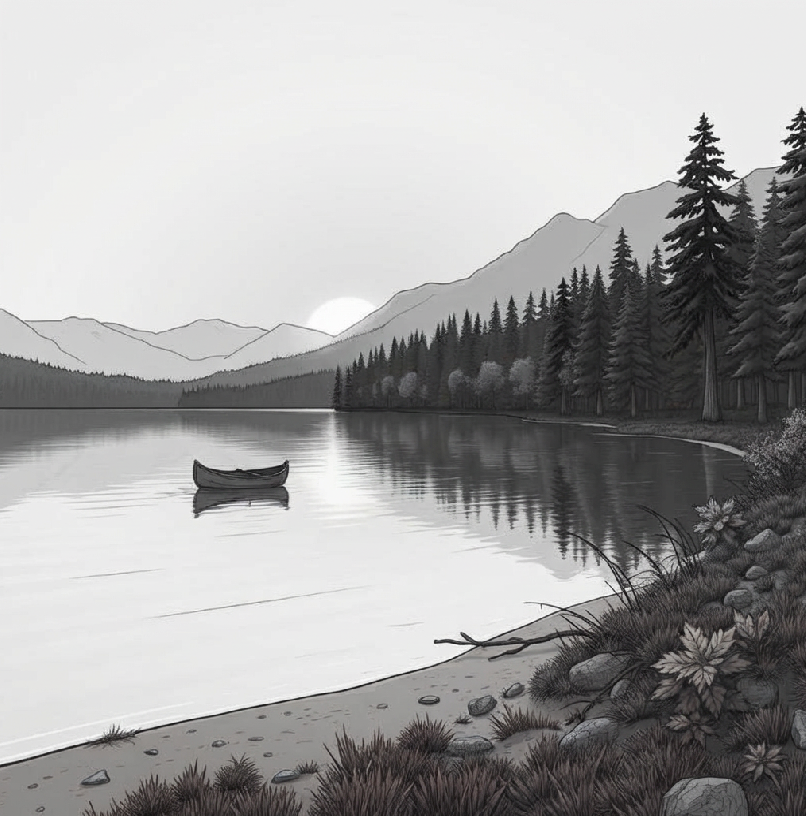
Creates images with a focus on contours and outlines rather than shading or color. Details are simplified with minimal texture or gradients. Objects, characters, or scenes are defined by precise lines, with strong contrast between lines and background. Line thickness may be uniform for a clean look or varied for dynamic emphasis.
Watercolor
Mimics traditional watercolor with soft transitions between colors, gently blended edges, and lightly defined forms. Pastel tones and layered washes create a delicate, airy, and dreamy feel.
Illustration
Creates stylized images with clear outlines and simplified details. Shapes, proportions, and colors may be exaggerated or toned down for visual impact. Colors typically appear as flat fills or layered shading rather than realistic gradients. This style can mimic traditional media like ink, pencil, or paint, or present a clean digital look.
3D render
Produces images with depth, perspective, and realistic lighting as in 3D graphics
Pop art
Produces vivid, high-contrast images with bold contours and vibrant colors like bright reds, yellows, blues, and greens. This style often mimics comic-book aesthetics, poster art, and mid-century pop culture, using flat or limited-tone colors to create a striking, modern look.

To choose a style

Back to Top
• In the Style area, click a preset thumbnail.

*

To clear any selected styles, click Clear style selection .

Was this page helpful? Send feedback.


Some features documented in the Help are available exclusively to subscribers. For more information about CorelDRAW subscription, visit coreldraw.com.