Guide the mood with a color palette


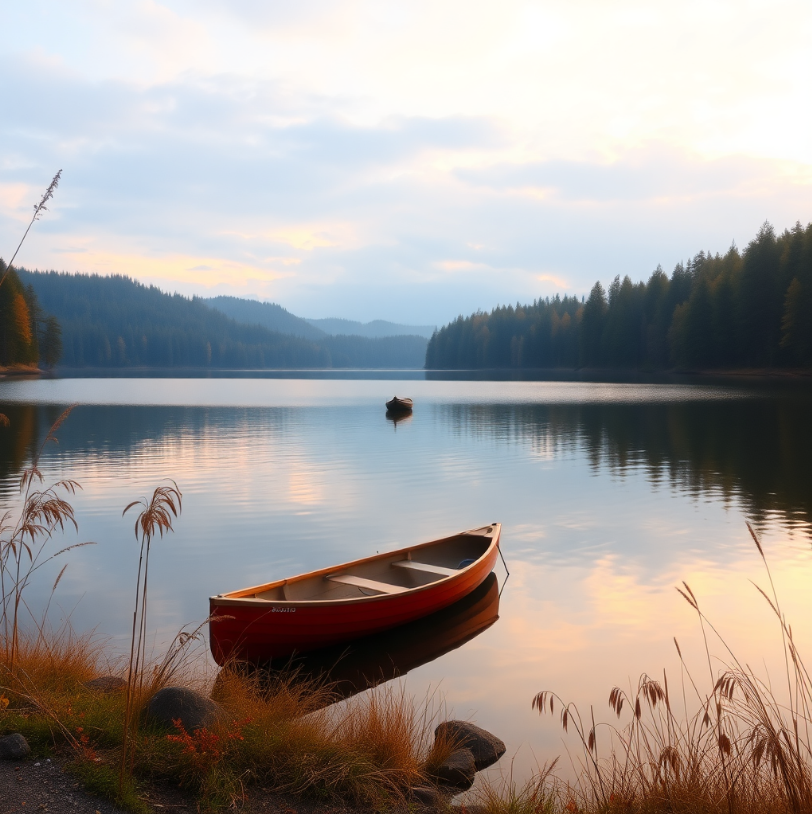
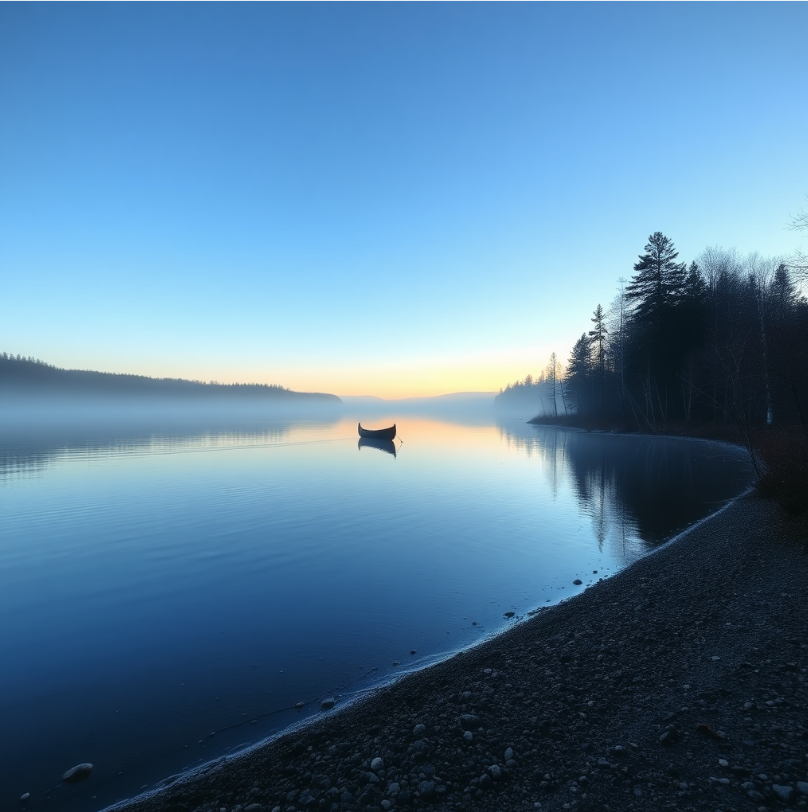
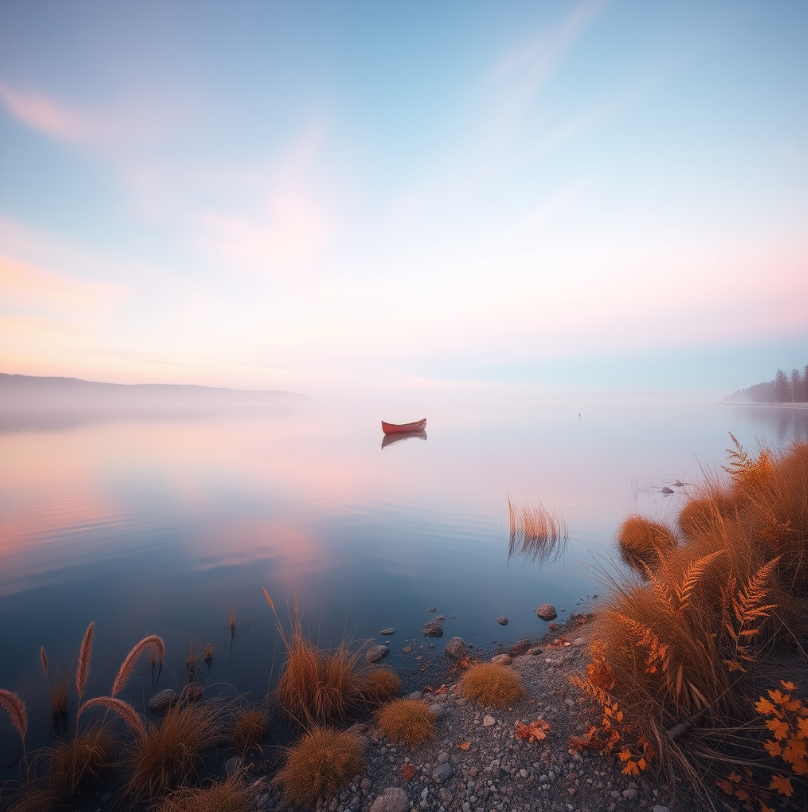
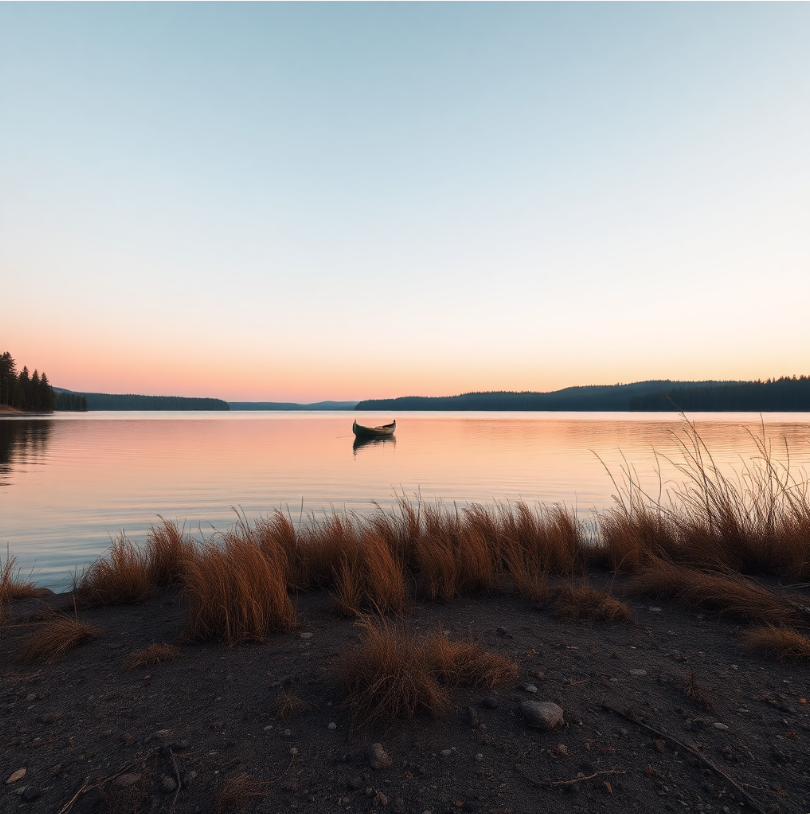
Set the overall color mood — warm, cool, or muted — or explore other options such as grayscale, pastel, retro, and neon. The table below lists the color presets available in Corel PHOTO-PAINT.

 

Palette
Colors
Example
Full-spectrum
Full-spectrum colors
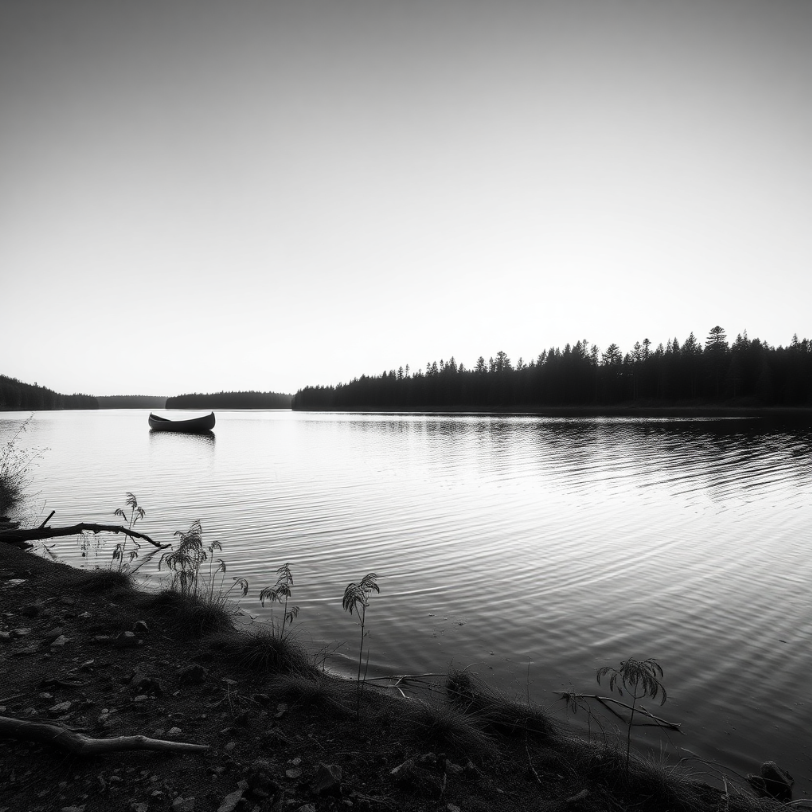
Grayscale
Shades of gray only
Warm
Warm colors to highlight reds, oranges, and yellows
Cool
Cool tones to highlight blues, greens, and purples
Pastel
Low-saturated colors with soft tonal values
Muted
Subdued or desaturated colors
Neon
Bright, highly saturated colors
Retro
Warm, muted colors inspired by the 1970s

To choose a color palette

Back to Top
In the Color palette area, click a color preset thumbnail.

*

To clear the current palette selection, click Clear palette selection .

Was this page helpful? Send feedback.


Some features documented in the Help are available exclusively to subscribers. For more information about CorelDRAW subscription, visit coreldraw.com.