Work with objects
You can increase your image-editing capabilities by using objects, which are independent image elements that float above the background. Objects are transparent layers that stack on top of one another. The background forms the bottom layer, and when you create new objects, they are added to the top of the stack. For example, when you open a photo, it becomes the background. You can then add shapes, brushstrokes, sprayed images, and other objects on top of the photo.
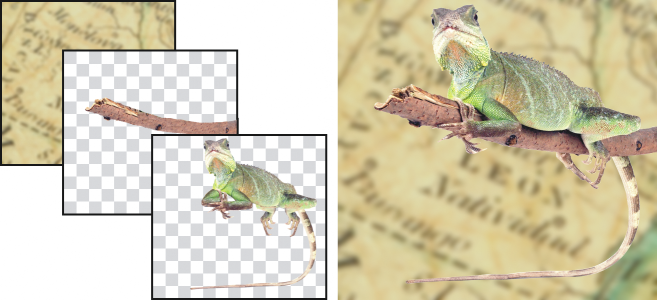
Objects are like layers that you can stack on top of one another. This image consists of the background and two photo objects.